March 13, 2026
Greg, Emily, Juliet
A Brief History of AI in Ag and Where It’s Heading
I (Juliet) asked Greg today to give me a run down about what the AI in Ag bi-weekly office-hours style meeting involved. These are my notes based on his response.
For those who are new to GOAT, Ag in AI is a bi-weekly recurring discussion space started about two years ago to explore a simple but open-ended question: AI is coming — how does it impact our little corner of the world?
Where It Started
In the early sessions, meeting participants didn’t pretend to have answers. They just had open-ended conversations about what AI might do for agriculture and food systems. Ideas flew around freely… some felt futuristic, some felt immediately useful, and all of them came with a side of ethical questions.
One example: cameras across the farm to inventory your equipment. Where’s my wheelbarrow? Meeting participants would float an idea like that, then spend time unpacking whether it was actually useful, whether farmers would want it, what the privacy implications might be. What’s funny in hindsight is that a lot of those ideas are now simply… happening.
The Data Input Problem
One theme that came up again and again was data input. It remains one of the biggest limitations in agricultural technology: the sheer effort of getting data into the systems we build, like farm management systems and decision-support tools.
A vision folks had was using a phone to simply talk to a system. Tell it what happened in the field today, and have it do the work of structuring that into the right format. @gbathree and @rosemariafontana published a white paper on this, exploring how AI might take conversational input and translate it into structured data for farm management information systems:
 Generating Structured Data from Interview Transcripts Using AI — A Test Case
The technology wasn’t quite there yet when they wrote it, but they could see it coming.
The Lull, and the Spark
After that early burst of energy, things slowed down for a while. The AI wasn’t ready. Around the same time, federal funding dried up. Early adopters who had gotten excited found that AI couldn’t deliver yet and moved on, building different workflows to cope with their immediate problems and workflows.
Then, toward the end of last fall, things started to explode again. But there are tensions: the folks who remembered the early disappointments are skeptical, already committed to the workarounds they’d built. The enthusiasm and the wariness were both understandable.
Still, it’s time to revisit. The tools have changed. The moment is different.
What AI in Ag is Focused On Now
Recent AI in Ag conversations have shifted from “what could AI do someday” to “what can we actually do right now.” A big theme is development, and specifically, how those of us who aren’t active developers but have adjacent skills (or even past development backgrounds) can contribute meaningfully to open-source agricultural software.
This is exciting for the open source community. For the most part, the developers building these tools weren’t usually the ones using them in the field, FarmOS’s @mstenta being a notable exception. AI is starting to close that gap, helping non-developers fix issues, understand codebases, and participate in ways that weren’t realistic before.
What we worked on today
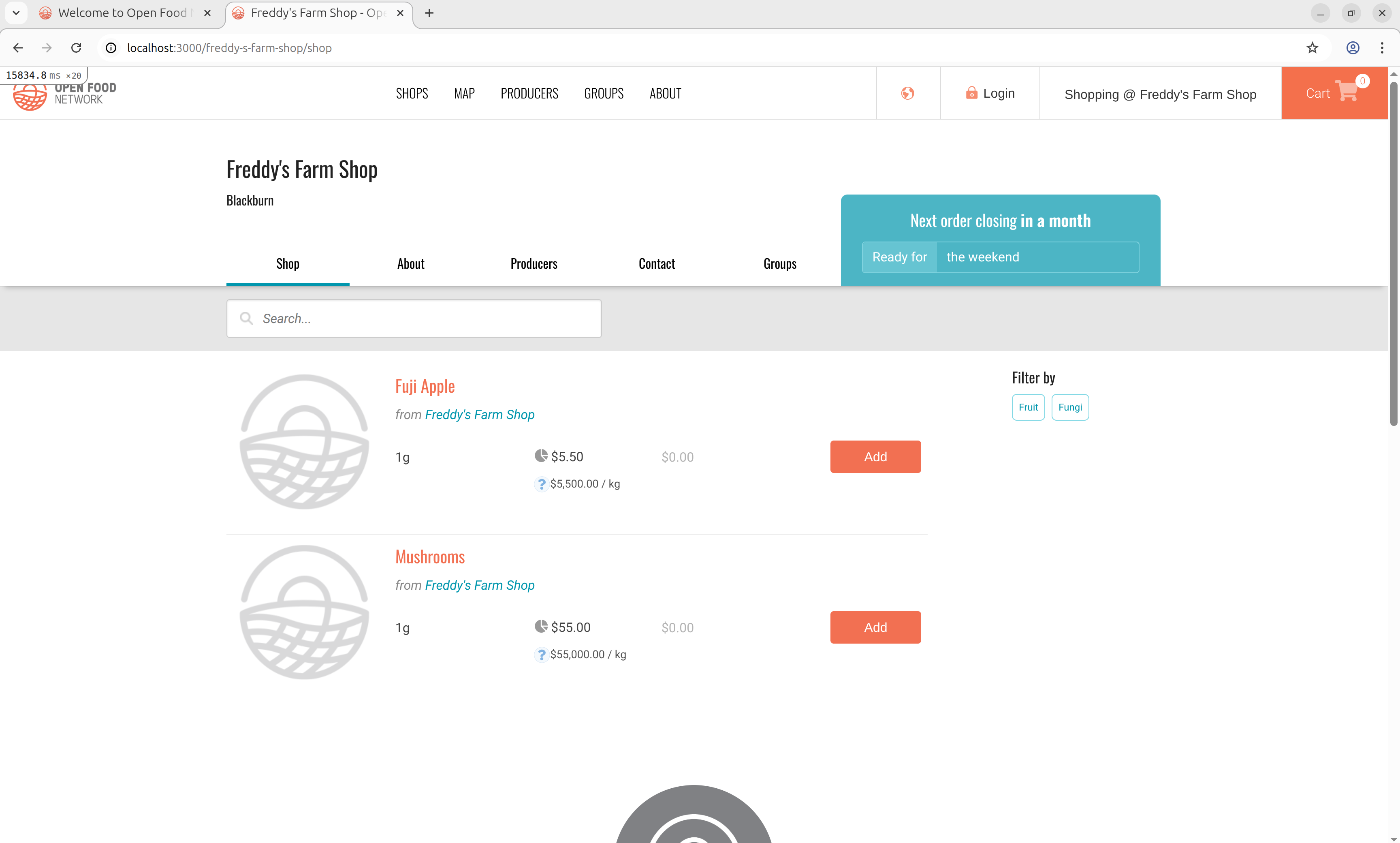
Today Emily from OFN joined and Greg walked us through the process of installing Claude Code and the process of using it to set up a development instance of OFN. It took Greg 1hr 15 minutes to set it up.
Here are some of my notes from observing that process, and following along Emily as she installed Claude Code.
Claude Code requires a paid Claude account
Yep, its $20/month. If you are affiliated with an academic institution, education pricing may be available through your institution (it wasn’t, generally speaking, for mine).
It sounds like you might be able to set up Claude Code to work with a local hosted LLM, but that was too complicate for me to get acquainted, so I just ate the $20 for the sake of the experiment.
You can just ask Claude LLM how to install Claude code for your operating system and it does a pretty good job of giving step by step instructions. I really just had to execute the curl command through the terminal then update my math variable .
What “Agent Files” Are and Why They Matter
One concrete direction we’re exploring: agent files (sometimes called CLAUDE.md files) for specific open-source platforms. Think of these as crib notes for AI: brief, structured context files that tell an AI assistant the key things it needs to know about a particular software project to be genuinely useful.
A great example is already live for FarmOS:
A Custom FarmOS AGENTS.md / CLAUDE.md File for FarmOS
I think it would be great for folks to build these out for platforms in our ecosystem and share them to help new adopters get up to speed on common helpful agent instructions.
Tools Worth Knowing About
We also discussed Playwright, which is a plugin for Claude Code that assists with debugging. There’s also a Chrome and Firefox plugin available. Useful for anyone getting into development workflows with AI assistance.
Join the next meeting as we continue to work on incorporating Claude Code into our workflows!