U
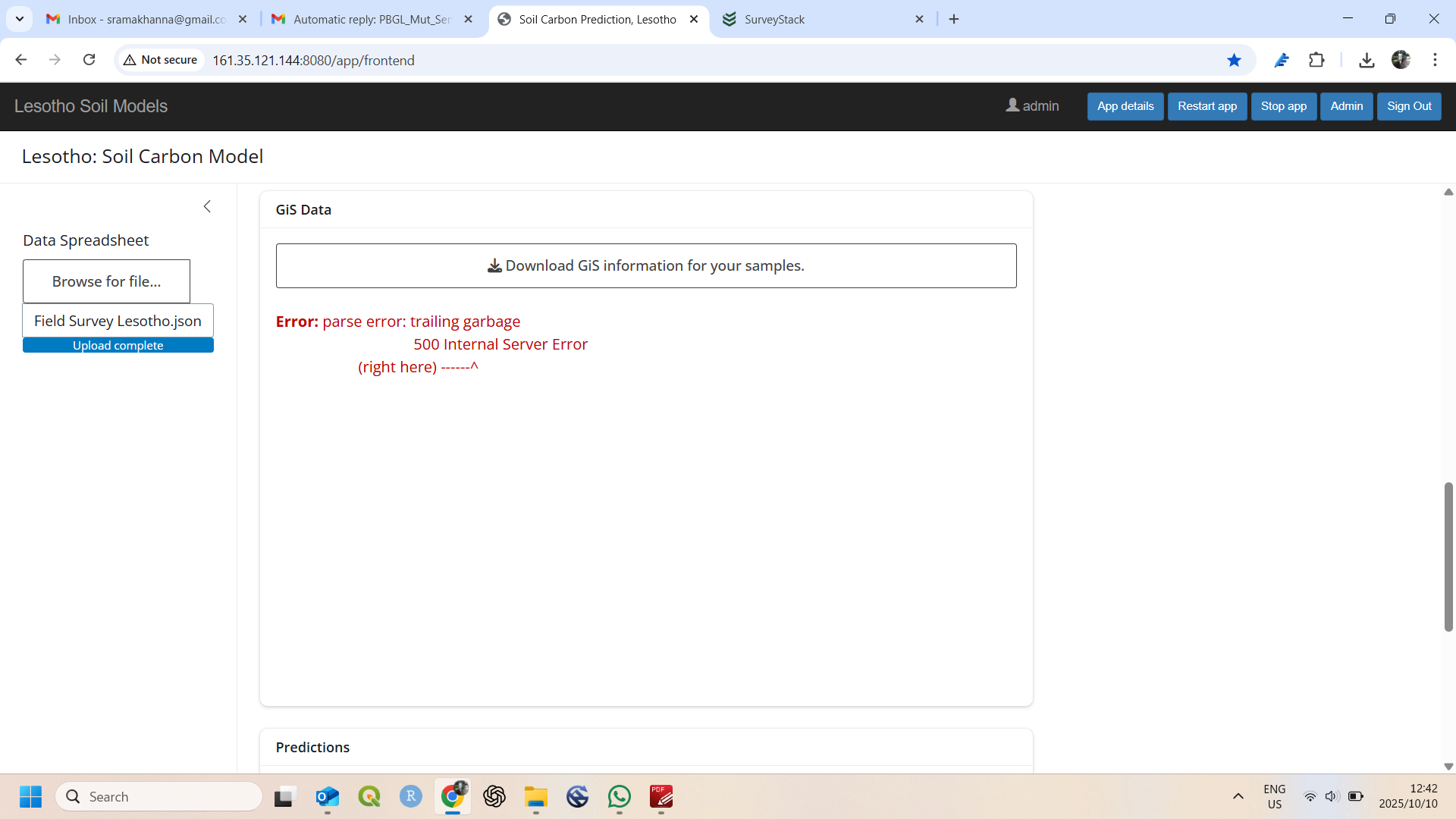
@Selebalo It appears that Digital Ocean (where the webservice is hosted) is experiencing issues ( DigitalOcean Status - Multiple Services Disruption ). We won’t be able to address specific issues until the hosting platform issues are resolved.
However, you mentioned that you had to upload the entire dataset to the model. There is a way to just download a few results from SurveyStack:
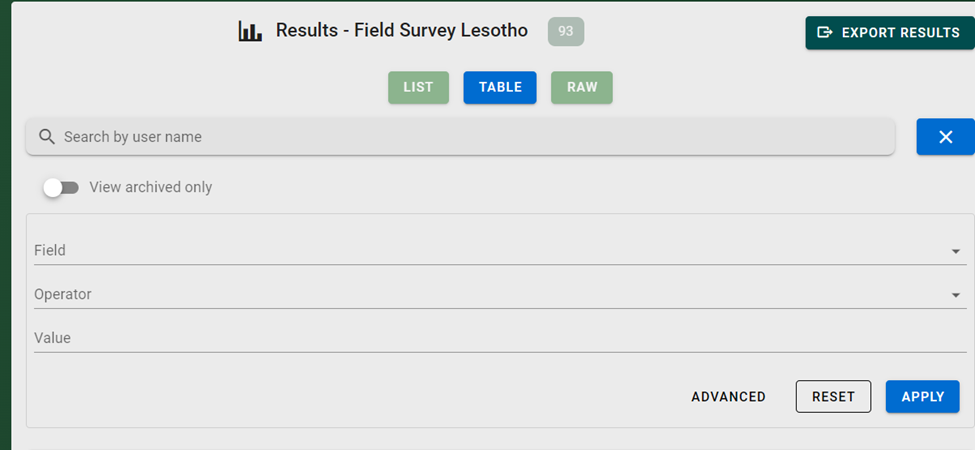
- You can use the “search” or “filter” (button to the right of the search bar) to limit the results to specific filters or results.
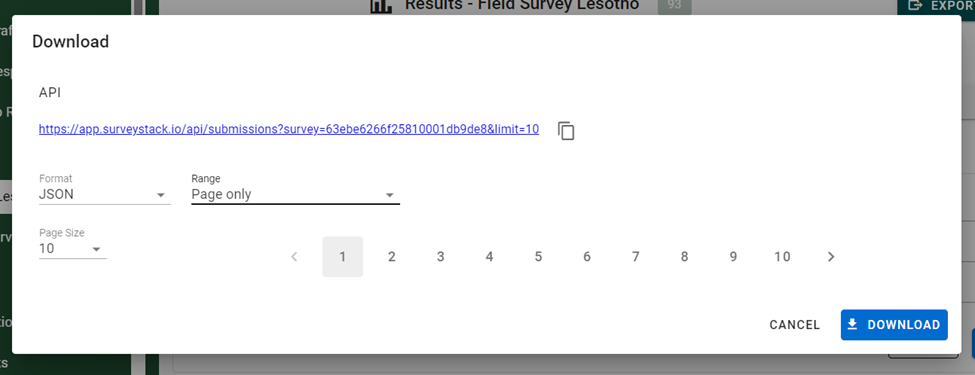
- Or, if you navigate to the page where your results are, you can choose to download just the “page” by opening the
rangeoptions in theexport resultspopup and selecting “Page only”
Dear @DanT thanks for the feedback. Unfortunately I get the same error. Not sure why. In terms of filtering, I wonder why now is not possible to click on the sample one is interested in - other than selecting the whole page - as was the case before.
@Selebalo Yeah, there is still an issue with Digital Ocean that is causing issues with the web service. Hopefully they will resolve their issue soon.
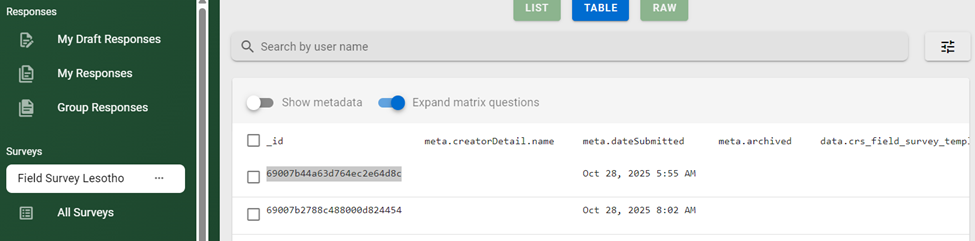
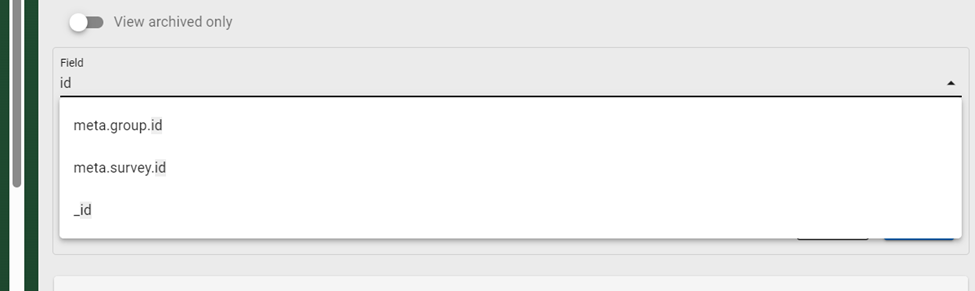
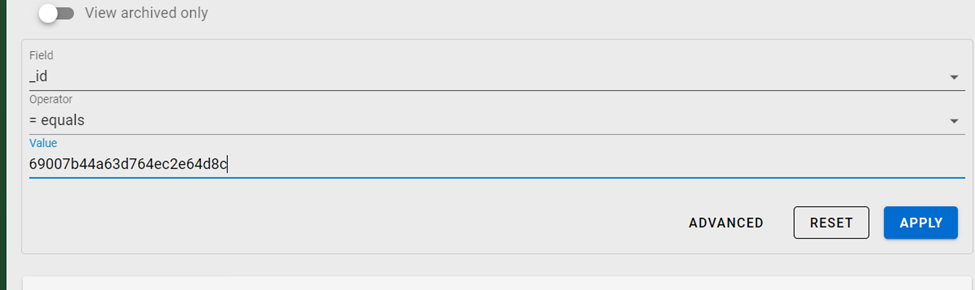
If you want to just download a single survey result, the best way is to search for a value specific to that survey. For example, the _idvalue is unique for each survey. So you can use the filter settings below to download only that submission: